



Echoes: Historical Figures AI Chat Case Study (Website)
This case study explores the design of Echoes, a web platform that lets users chat with AI powered historical figures, generate debates, and get help with academic writing. Centered on clarity and minimal interaction paths, the project focuses on creating an intuitive, engaging experience that makes learning feel more interactive and accessible.
Role: Product Designer: Solo (End-To-End) Timeline: 8 Weeks Tools: Figma
Problem
In a lot of classrooms, history doesn’t feel very engaging. Students see historical figures as distant and hard to relate to, so they lose interest and don’t always remember what they learn. Most lessons are one-way (like lectures or textbooks) which leaves little room for students to ask their own questions. Teachers also don’t always have time to give each student individual attention, so many students end up memorizing facts instead of really connecting with the past.
Goals
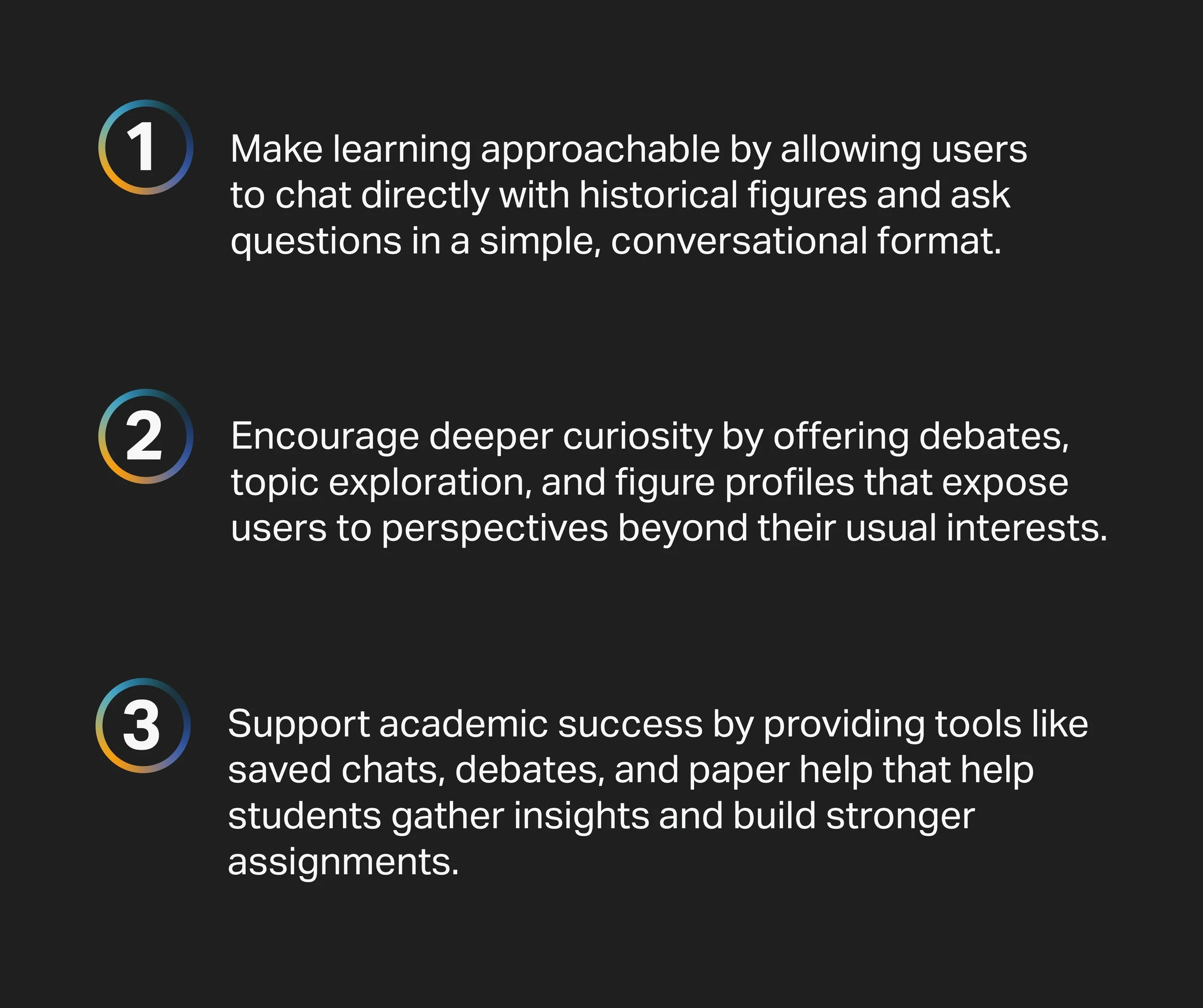
Echoes aims to make learning more interactive by using AI to let students hold real conversations with historical figures. Instead of relying only on lectures or textbooks, students can ask questions, explore topics at their own pace, and follow debates between figures with different viewpoints. The app also saves conversations as study notes, helping students review and stay organized. By turning history into a dialogue, Echoes supports teachers in keeping classes engaging and helping students build deeper understanding.
Business Goals
The platform’s mission is to make learning more accessible, engaging, and supportive by allowing students to interact with historical figures, build debates, and get help with their writing. Its business goals focus on improving academic success, encouraging curiosity and critical thinking, and offering a simple, stress-free workflow that students can rely on. By blending accurate information with creative interactive tools, the company aims to become a trusted academic companion for both students and educators.
Emergent Needs
Students need a learning tool that feels intuitive, interactive, and adaptable to different subjects without overwhelming them. They’re looking for quick, trustworthy academic support; whether that’s understanding a concept through conversation, exploring debates, or gathering material for papers. The platform must reduce friction, keep the experience minimal, and let students confidently guide their own learning while still feeling supported.
Talking to Students and Teachers (User Interviews)
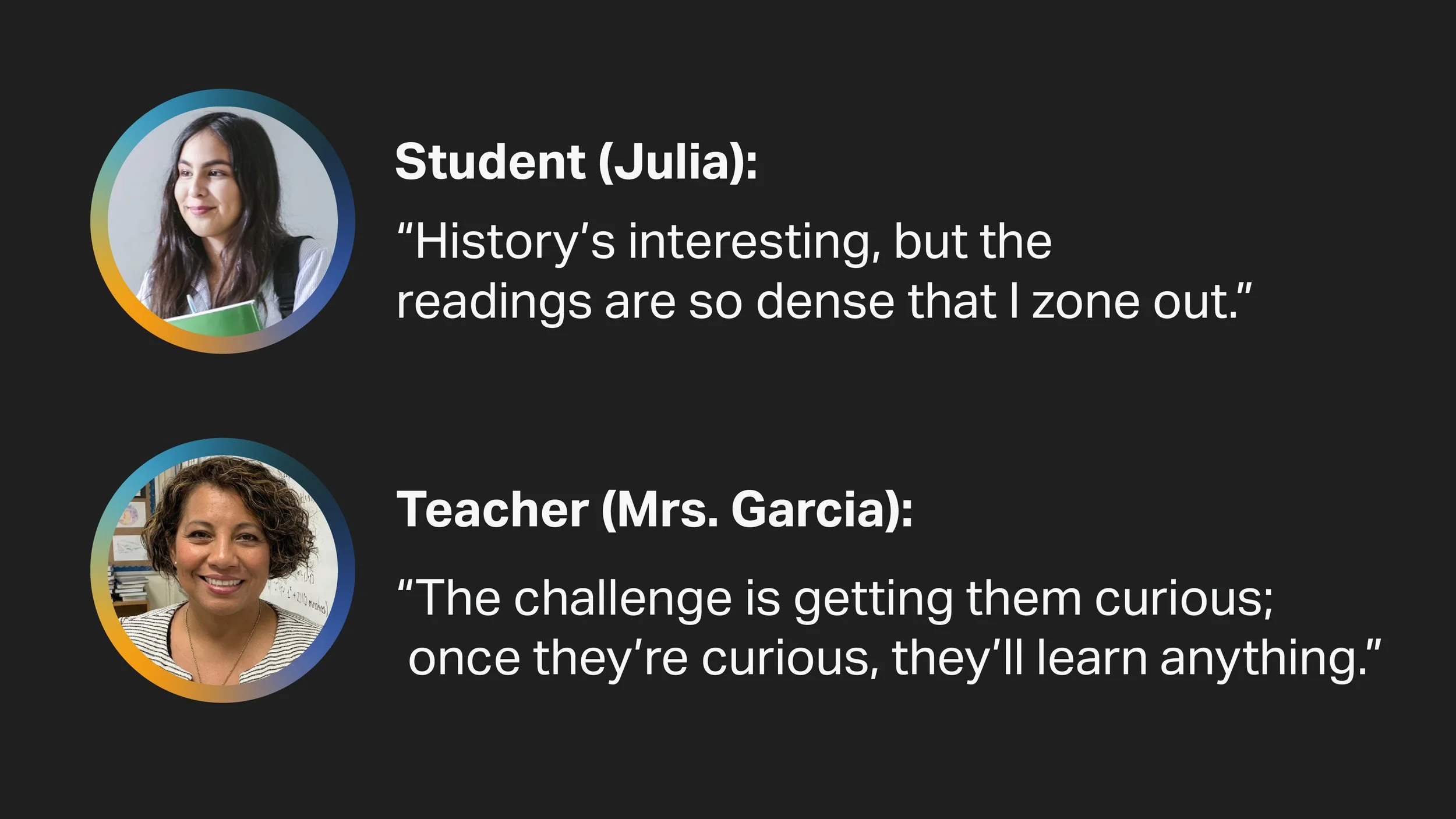
I interviewed one student and a teacher to understand their challenges. The student said research often feels “slow and scattered,” making it hard to stay engaged. The teacher shared that students struggle to connect with historical material. Together their feedback showed a need for a tool that makes learning clearer, faster, and more interactive.
User Needs:
Users need an approachable, interactive way to engage with history and academic topics without feeling overwhelmed. Many struggle to connect with traditional resources that feel dense or distant, and they want clear explanations, the ability to ask questions freely, and personalized support for their assignments. Echoes meets these needs by making historical knowledge conversational, responsive, and easy to access.
Developing a Strategy
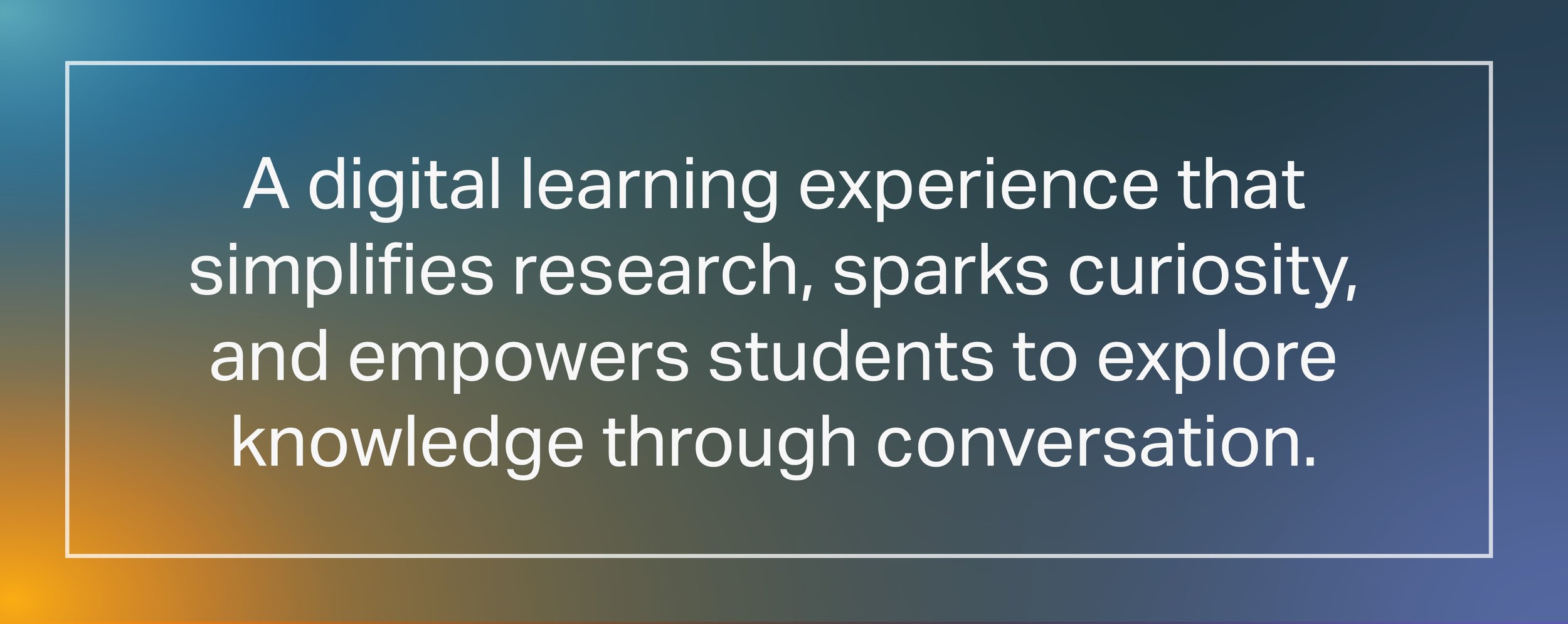
While the primary purpose of Echoes is to let users chat with historical figures and explore debates, my research showed students also need simple paths to deepen understanding, gather material for assignments, and stay academically confident. To solve this, the platform expands beyond conversation and debates to offer clear learning tools—like saved work, streamlined paper support, and easy navigation between subjects. With these goals in mind, the strategic mission becomes:
Mission Statement
Sitemap
After gathering together the data from the mission statement; this sitemap gave me a quick layout of what the website would entail. This shows what is on the homepage and which sections the user can visit. Each section breaks into only the essential subpages, reducing cognitive load and keeping the experience straightforward for both students and teachers.
Wireframes
The wireframes map out the main flow of Echoes, showing how users select figures, start chats or debates, and access saved work. Each screen is kept simple and focused, helping confirm the core structure and usability before moving into detailed design.
Features to Highlight
Here's a closer look at the various features of Echoes.
Selecting a Historical Figure
This feature allows shoppers to view an item in detail, see related products located nearby, identify the aisle number where it can be found, and conveniently call customer service if additional assistance is needed.
Historical Figure Details
The historical figure details page gives students a clear overview before starting a conversation. It highlights key achievements to provide context, offers suggested prompts to help students know where to begin, and shows past conversations for easy reference. A prominent “Chat Now” button keeps the focus on quick access, reducing friction and helping students jump straight into learning.
Talking to Historical Figures
This works like a familiar chat interface, similar to messaging or ChatGPT. Users can ask questions, follow up, and explore ideas in real time, making learning feel more conversational and easier to understand.
Debate Setup
Users can choose a featured debate or set-up a custom debate between two historical figures of their choice.
Debate in Action
Users can watch and take part in a debate between two historical figures, such as Abraham Lincoln and Jefferson Davis. The conversation is split into two panels to make it easier to follow each perspective. Students can ask questions or respond to both figures at once, or address one figure individually.
Math Problem Example
Users can also chat with mathematicians to get step-by-step help solving math problems. This extends the platform beyond history, showing how conversation-based learning can support subjects like math and science as well.
Paper Help example
The Paper Help feature guides students through writing by letting them add a title, thesis statement, main points, and a conclusion in a clear, structured layout. Students can build their work step by step while pulling in ideas from saved chats or debates. Finished drafts are saved automatically in a central library, similar to Google Drive, so students can easily return to past papers and continue working later.
User Interface Design
The gradient background of hues of orange, light blue, grey/blue and blue/violet gives a sense of aliveness and depth. Orange adds energy and curiosity, helping the experience feel inviting rather than academic or intimidating. Blue and navy bring a sense of trust, focus, and clarity which is important for an educational tool where users rely on accurate information. Using white text and subtle outlines ensures strong contrast and readability, keeping the interface clean while the gradient adds visual interest without overwhelming the user.
Learnings and Takeaways
Research showed that both students and teachers struggle with engagement, time limitations, and finding clear explanations when they need them most. These insights made it clear that the platform had to stay simple, direct, and focused on helping users get answers quickly. By testing early ideas and wireframes, I learned how much clarity and minimal navigation mattered, which led to solutions like a streamlined figure selection flow, focused chat screens, and an organized saved-work hub. Overall, the research guided every design choice, ensuring the final product stayed aligned with real classroom needs.